Which document is which?
The Pattern, the Cut Sheet and Dies: what each document is for.
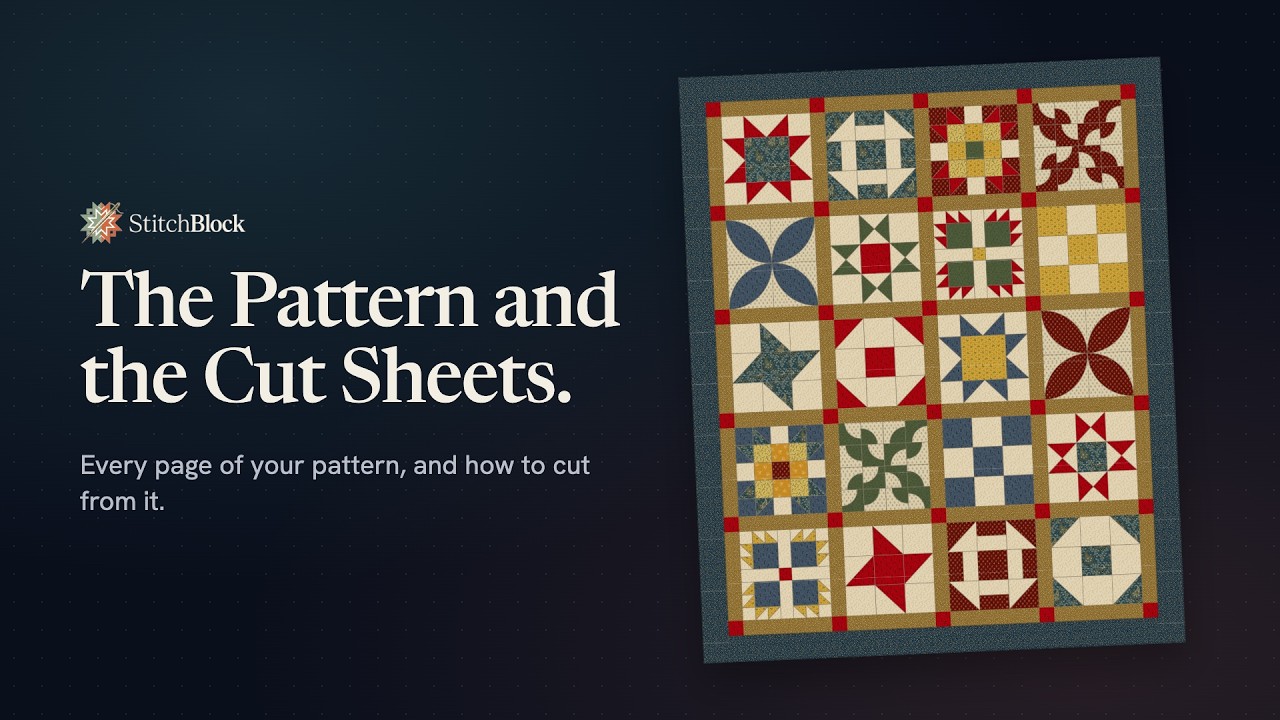
StitchBlock Pattern and Cut Sheets: read every page, print at 100%, and cut one block at a time Watch on YouTube, bigger and with chapters
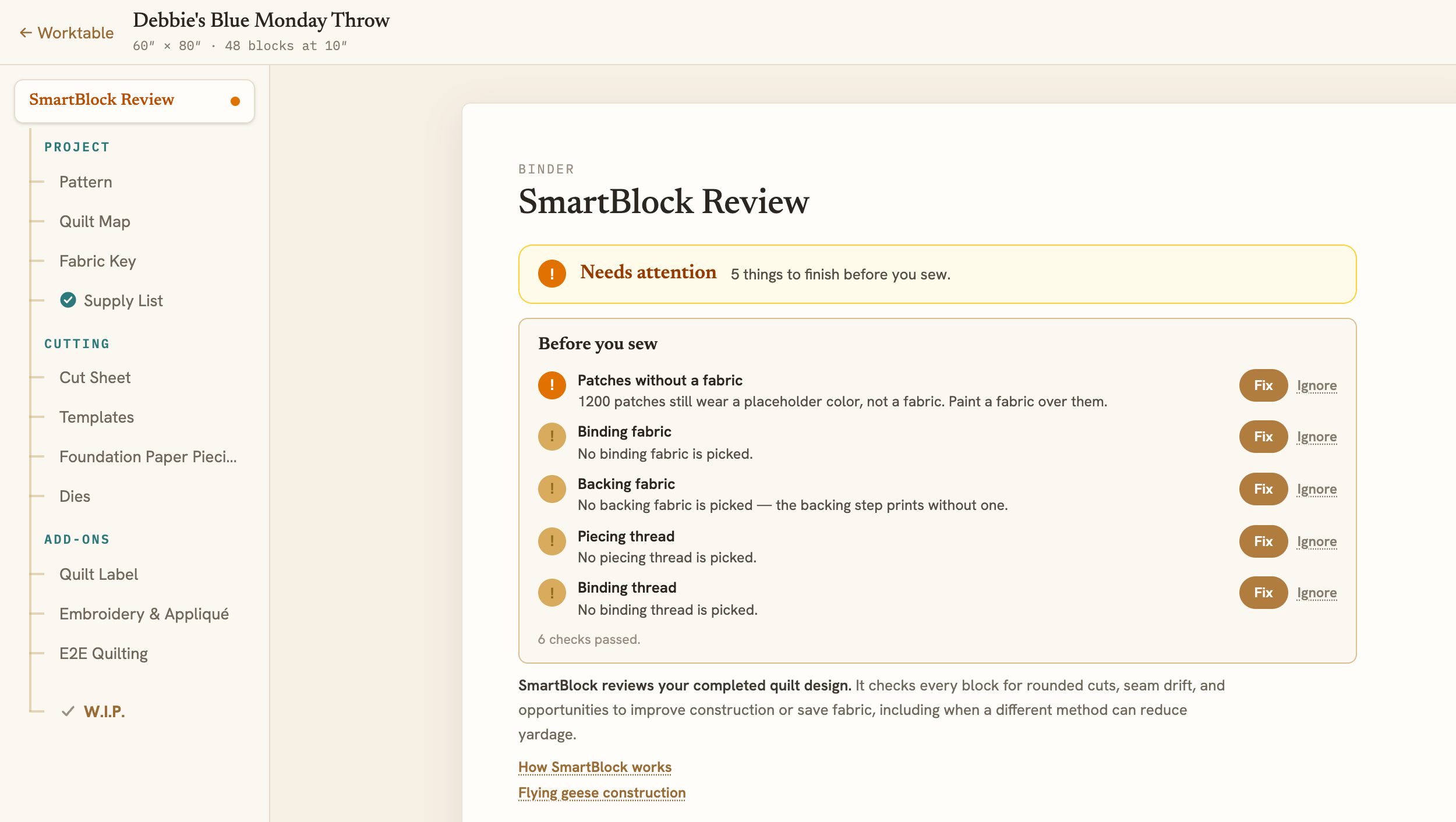
The Binder (File → Binder…) is where your documents are, and each one prints from there. They are listed down the left side in three groups: Project, Cutting, and Add-Ons.
The Pattern is the whole pattern in one document, cover to templates. In order, it has the cover, pattern notes, supplies, and a page set for every block (its maps, cut table and assembly together). After the blocks come Borders & Setting, technique pages for the methods the quilt uses, and quilt top and finishing. The Files to download page is added when you’ve placed stitched add-ons. The Template Key with full-size templates is added when a block needs them.
Foundation papers print with the Pattern when you pick them in the print picker. To read its symbols, see How to read the Block Map and Cutting List. Print everything at 100%: Print your pattern at 100%.
The Cut Sheet has every rotary and scissors cut: blocks, borders, binding. It lets you view or print one block at a time instead of the whole pattern, for a block of the month or a sew-along.
Dies is for die-cutter owners. See The Dies tab for die-cutter owners.
The Binder has other sheets too, and each one prints on its own. They are the Quilt Map (the labeled quilt), Templates, Foundation Paper Piecing, Fabric Key, Color Guide, Supply List, W.I.P., and the Add-Ons group (Quilt Label, Embroidery & Appliqué, E2E Quilting). SmartBlock Review, at the top, shows any block whose cuts are rounded and what that does to the block’s size. You read it on screen.
Sewing method cards are here in Help. Open Help → Techniques to read or print any card.