Where does my work live?
Three places: your account in the cloud, this browser, and the project file you save to your computer.
Your work is kept in three places at the same time.
Signed in: your account keeps the project
When you’re signed in, the open project saves to your account as you work. There’s no sync button to remember. Your projects are listed under File → My quilts (cloud)…, and you can open one there on any device you sign in on.
If you come back signed in to a quilt you made signed out, the quilt you had open before is kept under Put away on this device in the same list. Opening it puts the one on screen away in its place, so neither is lost.
If the same project was changed on two devices, the app does not guess. Saving pauses, it shows you both quilts side by side, and you choose. Keep both keeps this device’s version as its own copy. Keep this copy replaces the cloud copy with this device’s version. Use the cloud copy loads the other device’s version here. Nothing is overwritten silently.
This browser: the working copy
The browser also keeps your work on this device. Close the tab, reopen it later, and your work is still there. It is also what lets the app run offline. This copy belongs to one browser on one machine, and a browser can clear its storage without asking you.
Your project file: the copy you own
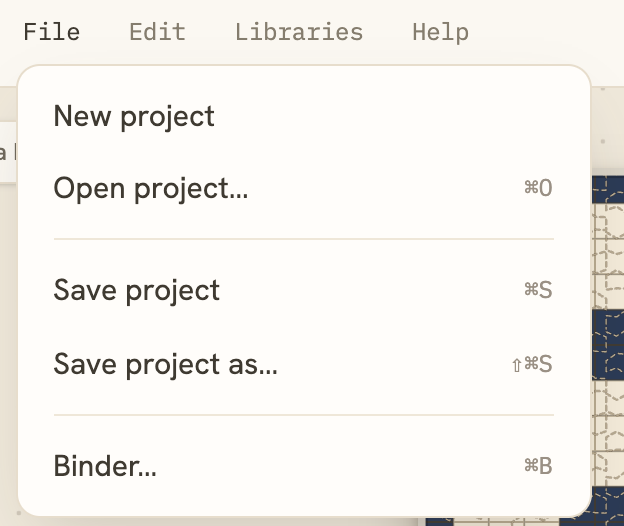
File → Save project saves your whole project to a file on your computer. It is the backup that stays wherever you put it. Where the browser supports it, Save project writes back to the file you opened. Otherwise it downloads a fresh copy. Save project as… always makes a new file. Your project file opens on any machine, signed in or not.
Remember: the file is the backup you control. Your account protects your work across devices, and the browser copy is a convenience. When a quilt really matters, save the file too.