Use the interactive Cut Sheet
View or print one block at a time instead of the whole pattern, for a block of the month or a sew-along. Tap the quilt to see just what each piece needs.
StitchBlock Pattern and Cut Sheets: read every page, print at 100%, and cut one block at a time Watch on YouTube, bigger and with chapters
The Cut Sheet lets you view or print one block at a time instead of the whole pattern, which works well for a block of the month or a sew-along. On screen it is more than the printed list: tap any part of the quilt picture and it shows just what those pieces need.
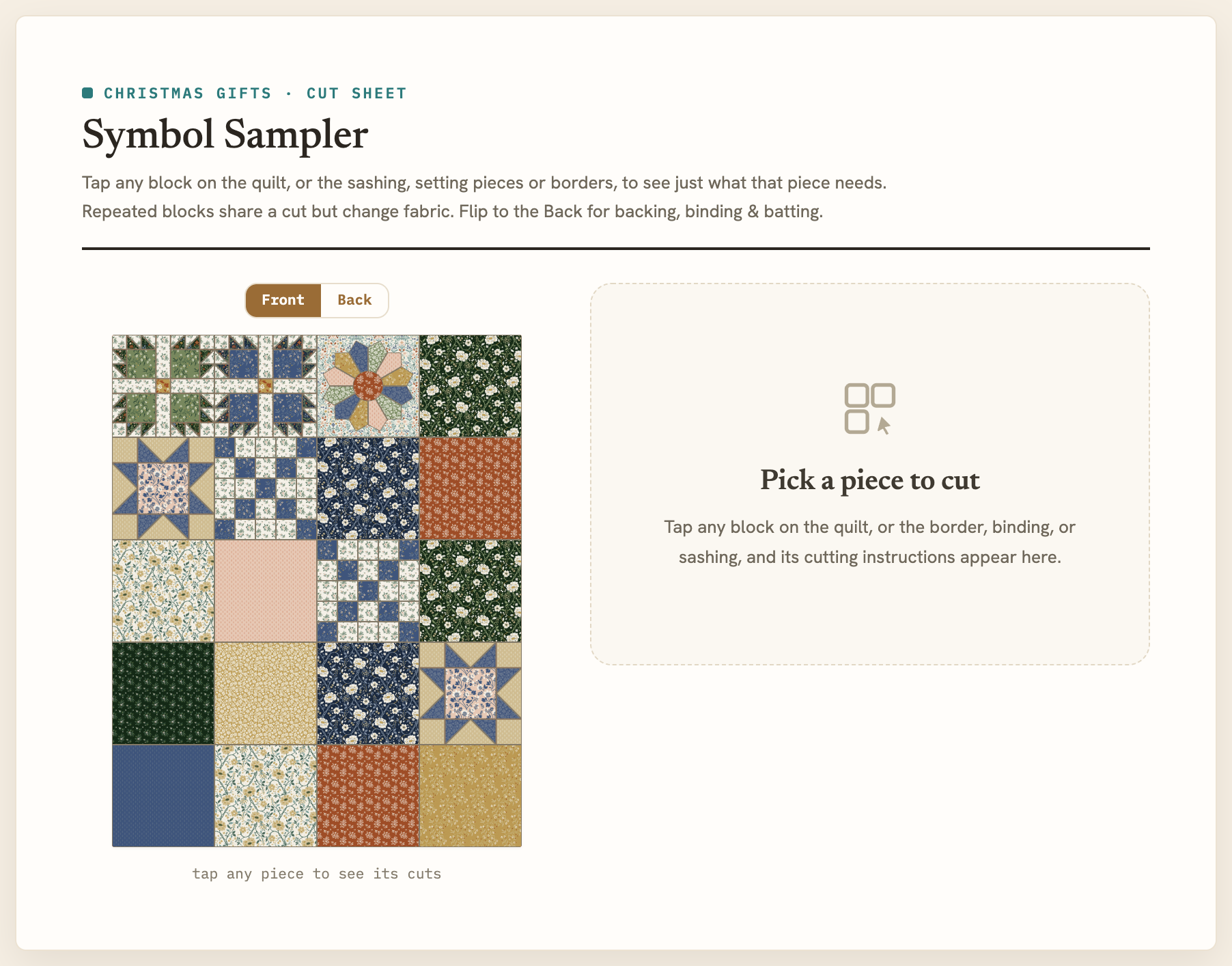
Tapping is how the screen version works. For paper at the cutting mat, print what you tapped: a block prints its own sheets from “Print / Save the block…”, and the print box under a border, sashing or setting pieces prints Borders & Setting, or Backing, Batting & Binding. “Print Pattern…” prints the whole Pattern.
Tap a block and its Block Cut Sheet opens: a fabric page (the block in your fabrics, with a gather checklist of every fabric it uses), then the block's own pages (maps, cut table and assembly) that match the Pattern exactly — same tables, same diagrams, same B1/B2 quilt-map numbering. Perfect for cutting one block at a time, or for block-of-the-month programs.
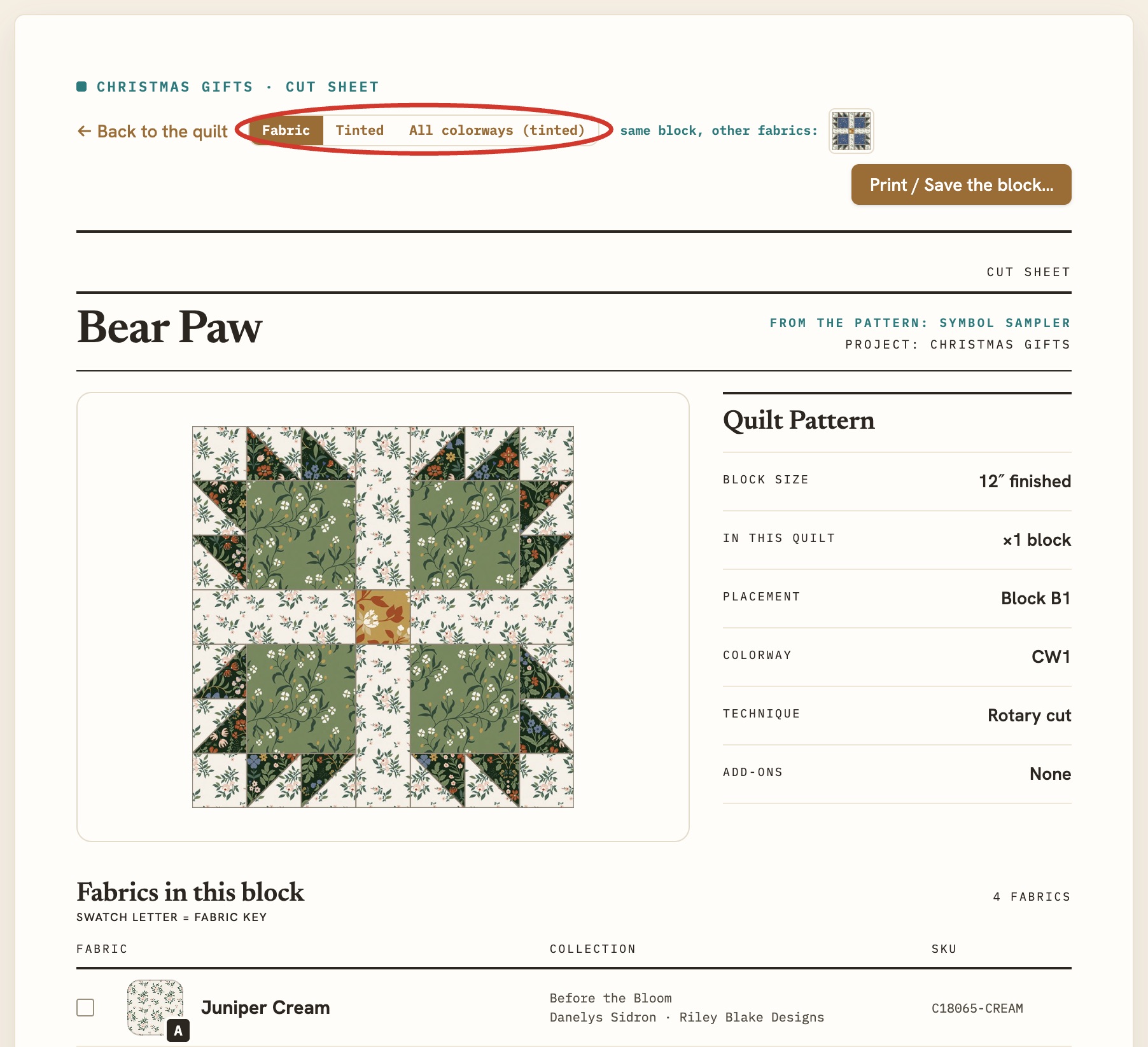
“Print / Save the block…” prints the block’s sheets with their own page numbers, such as Page 1 / 3 · Cut sheet. The lettered Fabric Key and the block’s templates are ticked on unless you untick them.
A control above the sheet decides how its pictures are drawn. Fabric draws the Block Map, the Exploded view and the sewing pictures in the fabrics you placed. Tinted draws them the way the Pattern does, one color per unit, which serves every colorway of the block. When the block repeats in more than one colorway, a third position, All colorways (tinted), puts every colorway on one card, exactly as the Pattern prints it. Print follows whichever is showing.