What do the colors mean across StitchBlock?
The same colors mean the same things all through the app. Sage says all good, honey and amber say look closer, ochre is something you can do, and true red is only for danger.
Every pill, chip and button in StitchBlock uses the same colors for the same meanings. Learn them once and you can read any part of the app. Here they are, one color family at a time.
Sage green: all good

Soft sage means everything checks out. The SmartBlock pill is sage when every block cuts on the ruler. The size pill is sage when the quilt is close to its preset. The Ready to sew banner on SmartBlock Review is green when every block cuts on the ruler and nothing is left to finish. A Fabric-Fit result that covers the quilt is sage too. Sage asks nothing of you.
Honey and amber: worth a glance, then look here
Honey and amber always come in the same order. Soft honey yellow means worth a glance: one to three blocks rounding, or a quilt a little off its preset. Deeper amber means look here: more blocks rounding, a quilt further off its preset, or the ≈ mark on a size where the cuts are approximate.
Amber is never an error. The pattern already accounts for everything it marks. Tap an amber SmartBlock pill and it rings the blocks it means, right on the design. An amber Precut pill opens Fabric-Fit. The size pill cannot be tapped.
A few places write their warnings in words on a clay red-brown: a hoop too small for a design, or a plan with a lot of hoopings. That's a stronger look-here than amber, and it is still not danger. Nothing is broken. Something won't work as set up.
Ochre: something you can do
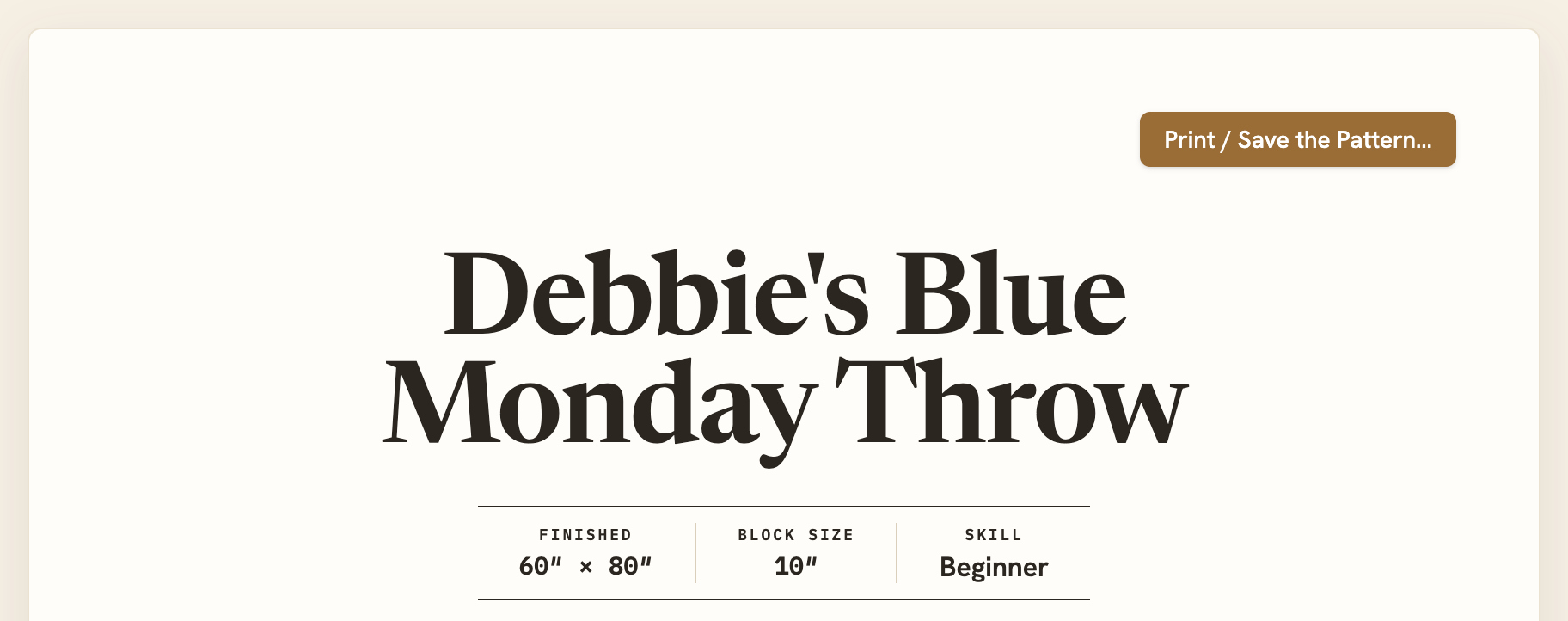
Warm ochre is the action color: every Print / Save… button, the offer cards that suggest a change (fill your hoop, use your precuts whole), tag chips, and the Tips in Help. Ochre never warns. If something is ochre, it's yours to take or leave.
True red: only for danger
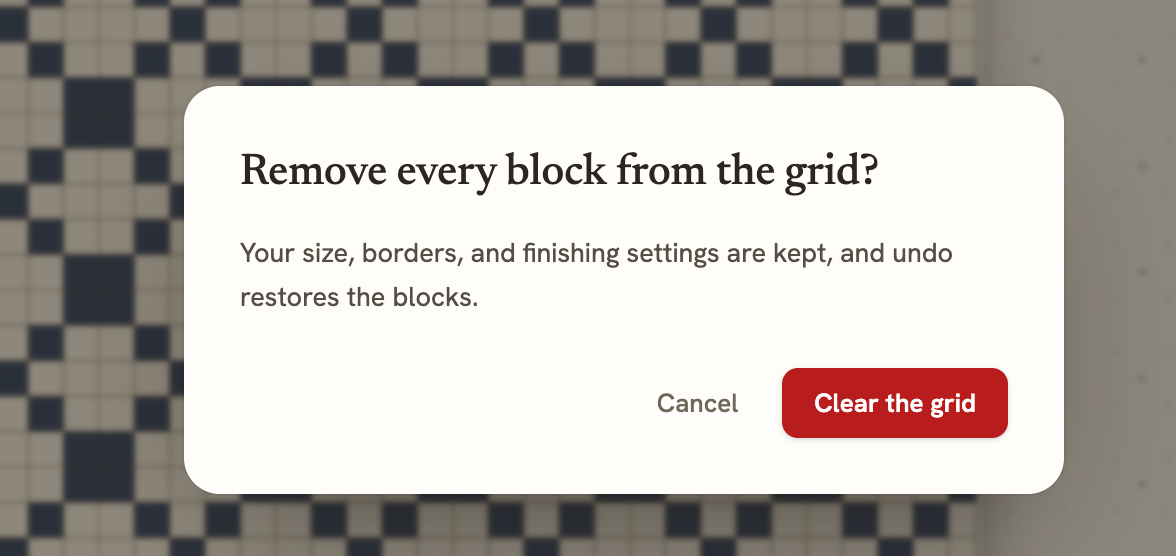
On a button, red means one thing: this removes something. It is red everywhere in the app. The card always asks first, and Cancel is the button that is ready. Undo brings most things back. The only other red is an error message.
Violet: new and coming soon
Violet marks fabric that is in Preview or coming soon. The violet dot on the bell means there is news you have not seen.
The calm neutrals
Everything else, such as cream chips, gray counts and format labels, is plain status: information with no judgment attached. A neutral chip isn't hiding anything. There's nothing to flag.
Tip: The colors show how things stand and then wait for you. When the SmartBlock pill turns amber, tap it: the app rings the blocks it means. The pills' own colors are covered in What are the pill colors and warnings telling me?