Change the layout
Straight, On Point, Offset, Custom Set, Single Block, 45° Diamond, 60° Diamond, Triangle, Brick, Tumbler, Hexie, Baby Blocks: the layout choices, where to find them, how to switch, and where sashing fits in.
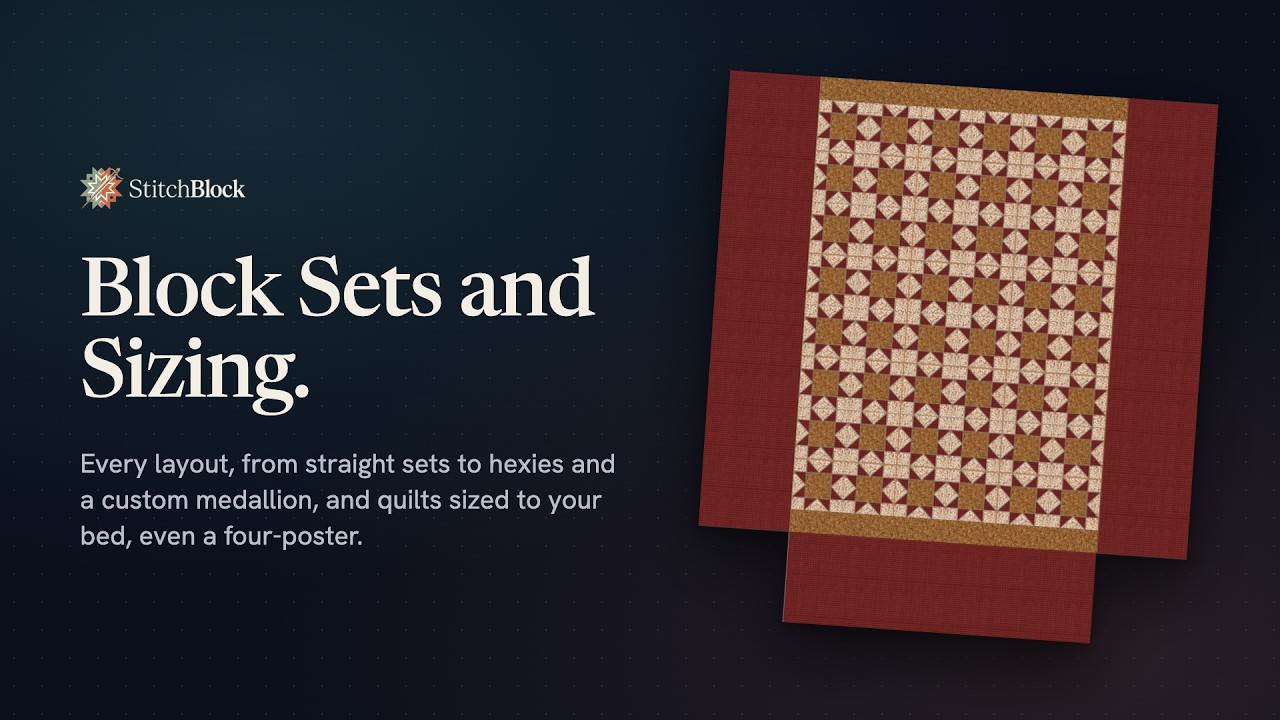
StitchBlock Block Sets and Sizing: Every Layout, Custom Sets & Four-Poster Beds Watch on YouTube, bigger and with chapters
The layout is how the quilt top is set together. You choose it on the Block set card, on the Inspector’s SmartBlock tab. The layout and the size of your blocks are one decision, so they share a tab.
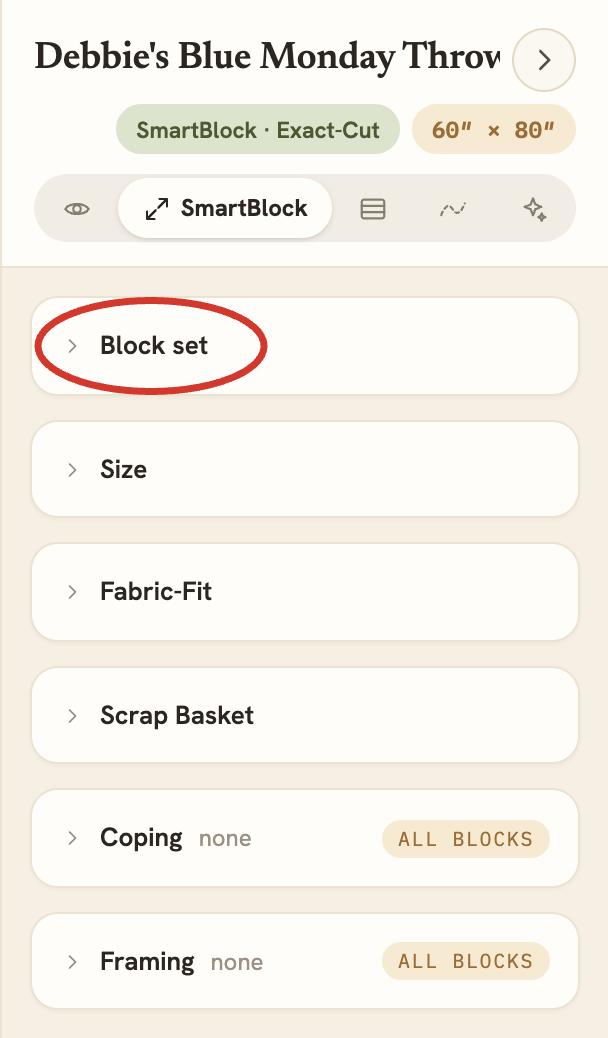
Open the SmartBlock tab and tap Block set. The card lists the twelve layouts, each with its own icon: Straight, On Point, Offset, Custom Set, Single Block, 45° Diamond, 60° Diamond, Triangle, Brick, Tumbler, Hexie, and Baby Blocks.
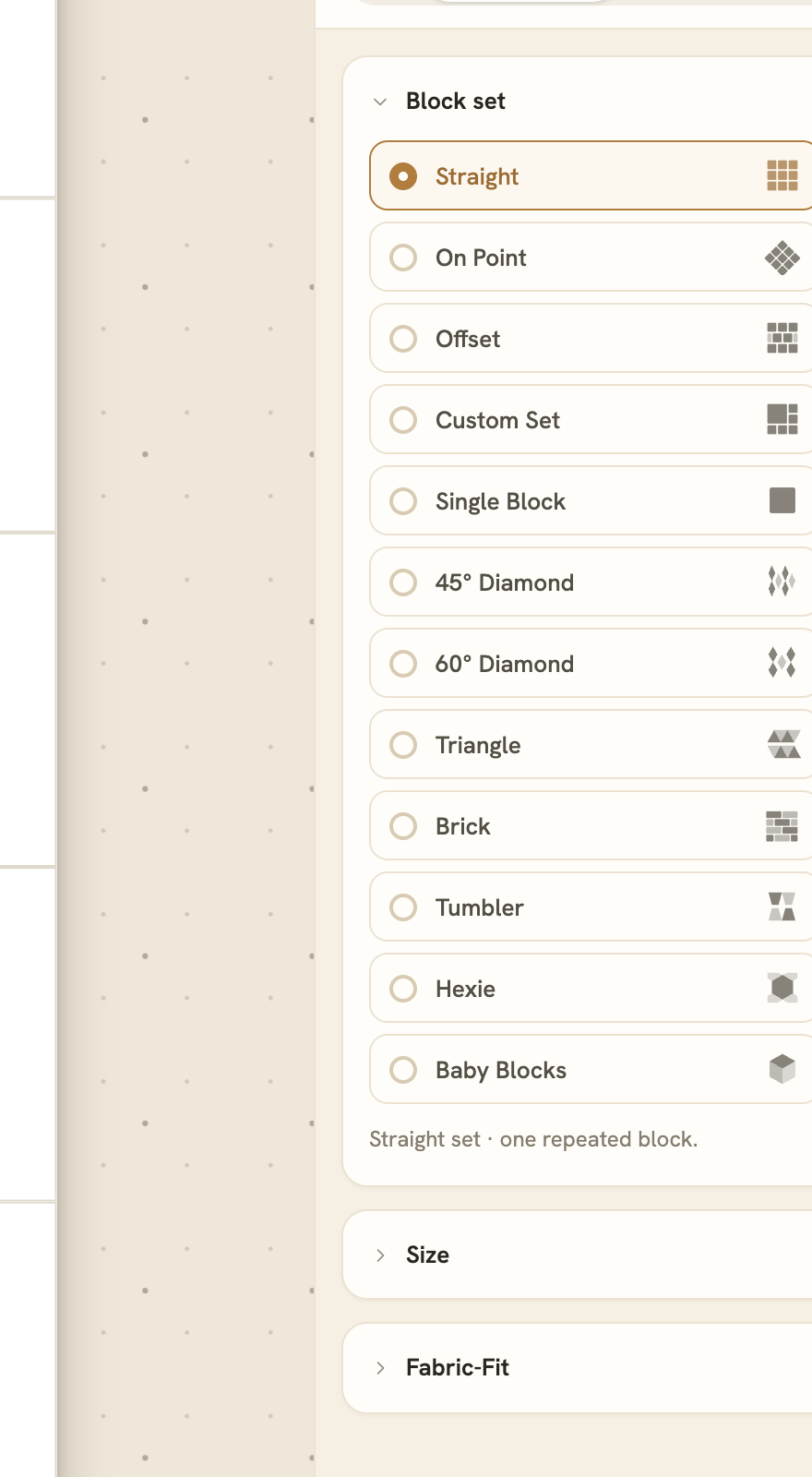
Tap the one you want. The quilt keeps its size, and the app refits the block size to keep your target. If the pin beside the block size is lit, a switch between the layouts for pieced blocks keeps your block size, and the quilt’s size changes instead. See Why is my quilt 61½″ instead of 60″?
Five layouts hold pieced blocks: Straight, On Point, Offset, Single Block and Custom Set. Switch among them and your placed blocks come along. Merged blocks stay only on Straight and Custom Set, with or without sashing. Any other layout asks first and then pauses the merges. They come back just as they were when you switch back.
The other seven are one-patch quilts: 45° Diamond, 60° Diamond, Triangle, Brick, Tumbler, Hexie and Baby Blocks. Each diamond, triangle, brick, tumbler or hexie is a block, and you paint fabric straight into it. The Fill tool paints every empty block at once. On all of them but Baby Blocks, Band paints a whole round, row or diagonal in one tap. A one-patch layout sets your pieced blocks aside, and they come back when you switch to a layout that holds them.
If the layouts are grayed out, the design was made from a precut recipe. Tap Unlock size & layout on the Precut design card to change it.
Tip: Layouts are safe to try on. Tap through a few and watch the quilt. Undo brings back anything you don’t love.
On Point floats its blocks
On Point turns the blocks on the diagonal, and the pattern uses the standard published technique. The setting and corner triangles cut generous on purpose. After the diagonal rows are joined, the center trims to an exact size that the pattern gives. Every block point keeps at least ¼″ of background, so the blocks “float.”
That trim is why an on-point quilt’s finished size is an exact number. The preview shows the same float you’ll see on the real quilt, and the pattern’s assembly pages print the trim step with your quilt’s own numbers.
Offset staggers the rows
Offset keeps the blocks square and shifts every other row half a block, like a brick wall. A plain half block (a rectangle) closes each end of a shifted row. Paint the half blocks like any setting piece, one at a time or all at once. Sashing works here too, from the Layout tab. The vertical strips stagger with the rows, so there are no cornerstones. The cut sheet lists the half blocks as their own section, and the pattern’s assembly steps say which rows start and end with one.
Sashing is a switch, not a layout
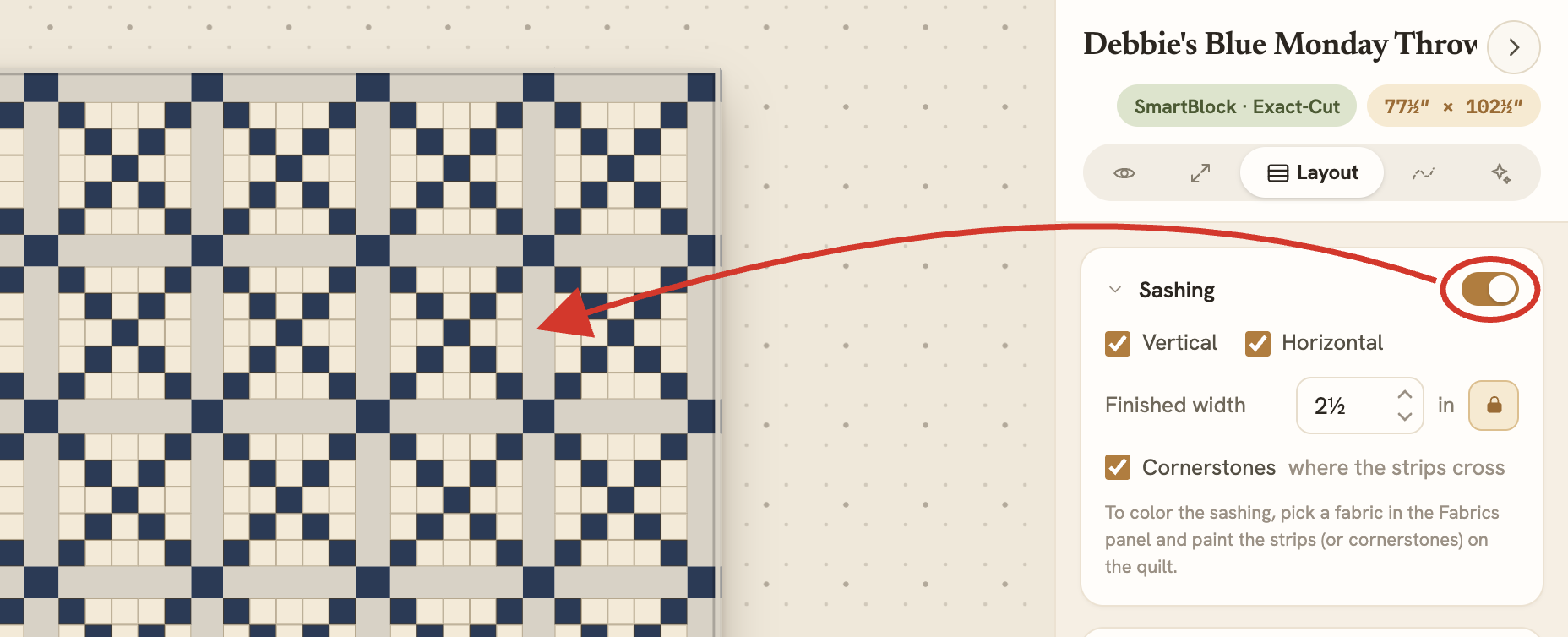
For sashing, go to the Layout tab. Sashing is the first card, with an on/off switch. Turning it on adds strips between your blocks: the block size stays the same and the quilt grows.
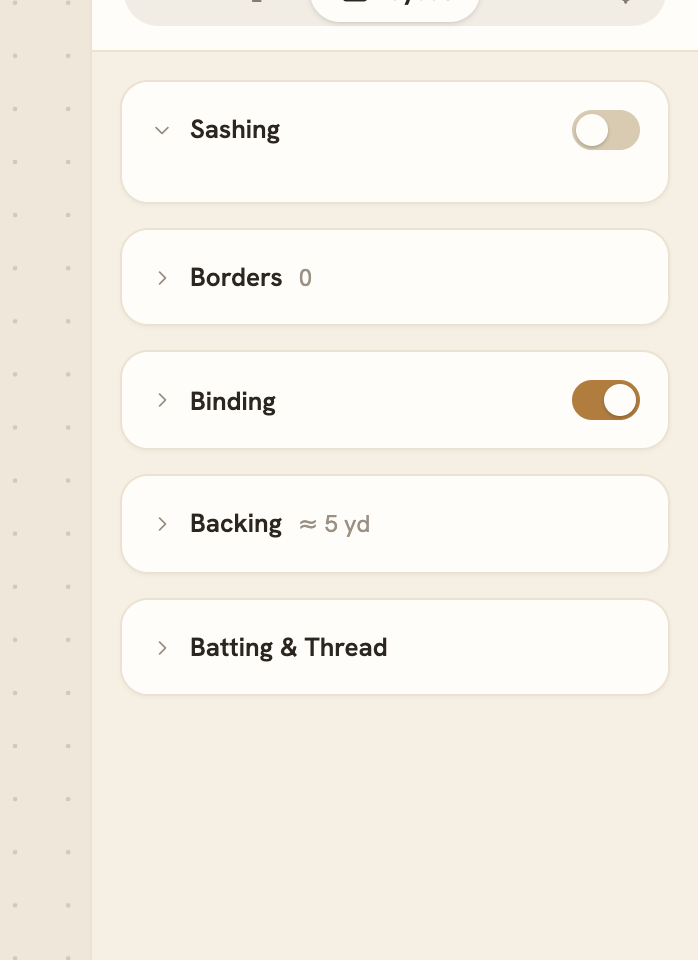
The card has a Cornerstones checkbox and a width lock: one width for both directions, or unlock it for separate vertical and horizontal widths. Sashing strips run between blocks, bricks and diamonds. Hexies, triangles, tumblers and Baby Blocks interlock edge to edge, so they can’t take sashing, and the card says so. A Single Block quilt has no sashing either.
Plain alternates and spacer strips
For pieced blocks alternating with plain squares, arm a fabric, tap Band on the paint pill and choose Checkerboard. One tap paints every other empty cell as a plain square the cut list counts. Then arm your pieced block and paint it into the cells between. Any cell can hold a calmer block instead.
For spacer strips running one way only, use the Sashing card with one direction turned off. Check only Horizontal for strips between the horizontal rows, or only Vertical for strips between the vertical rows.